
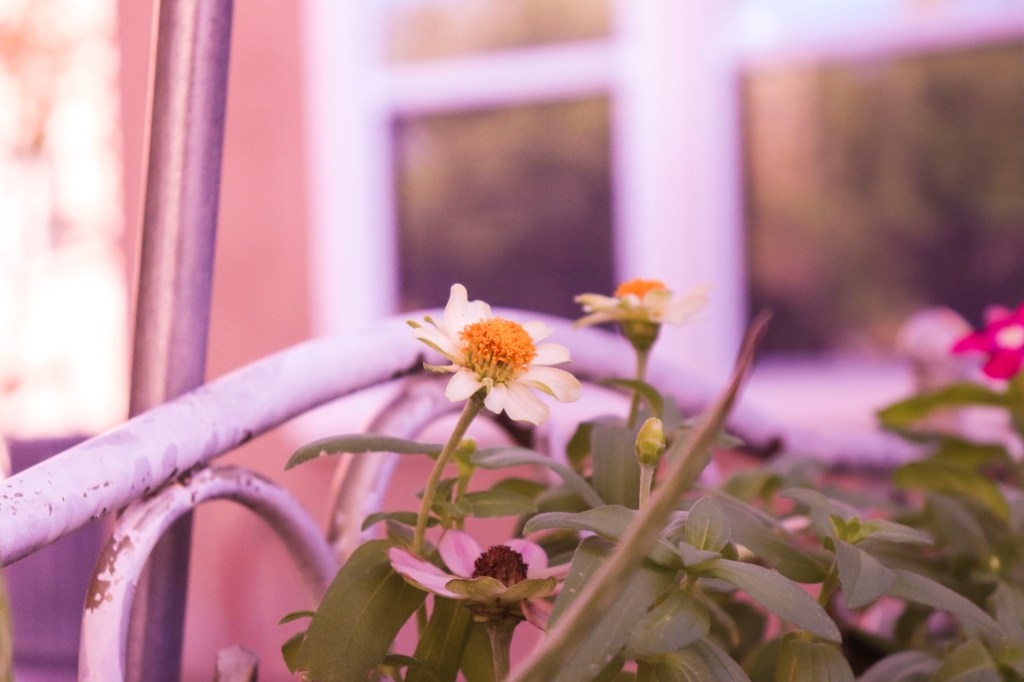
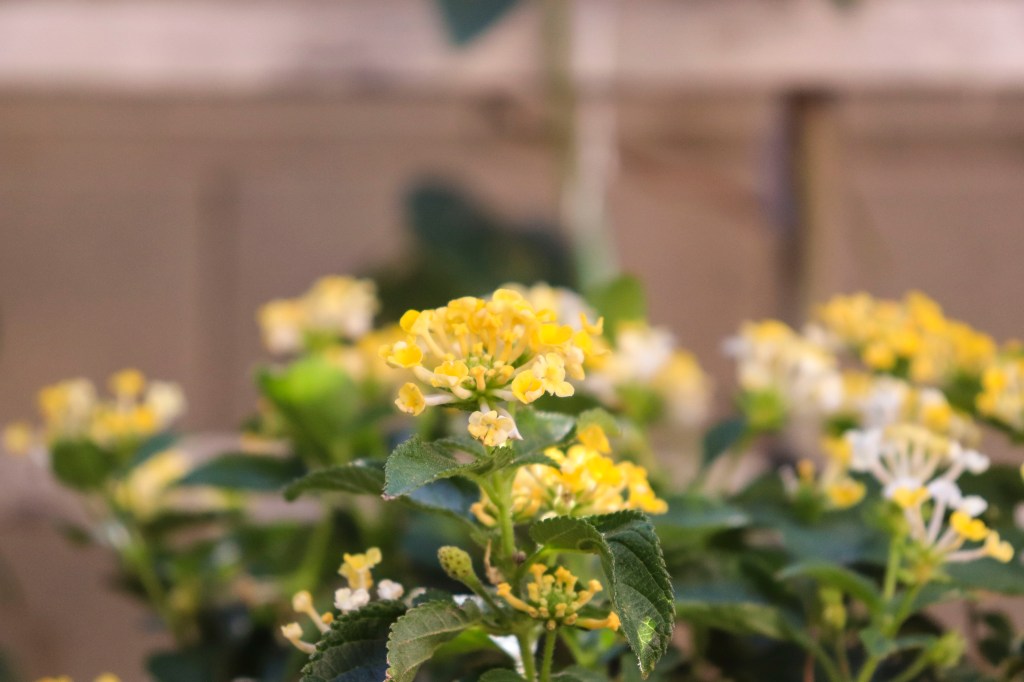
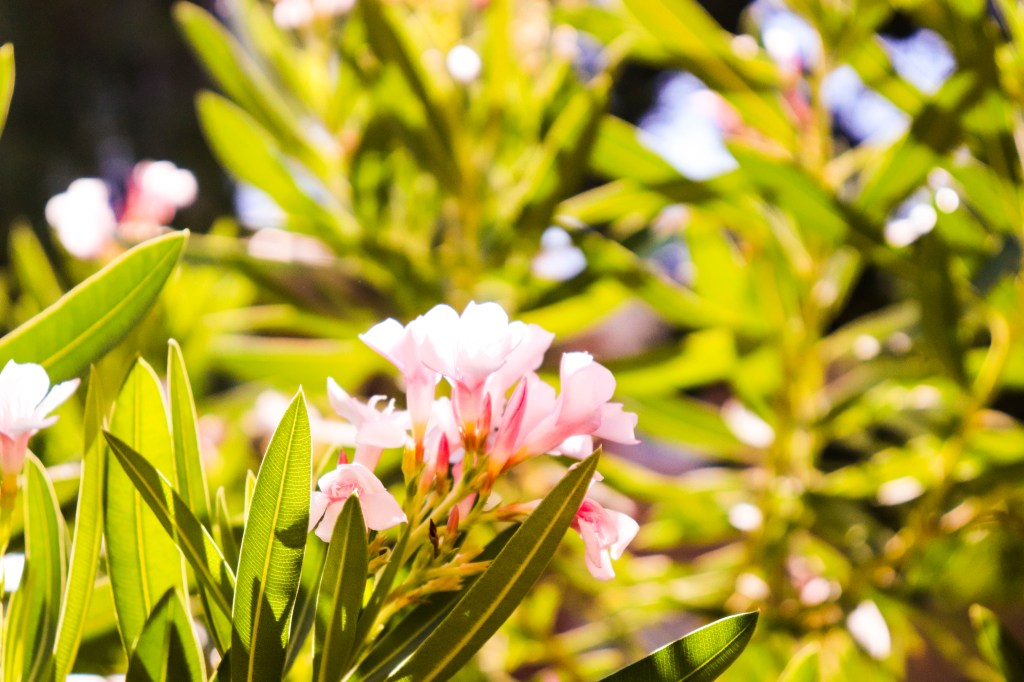
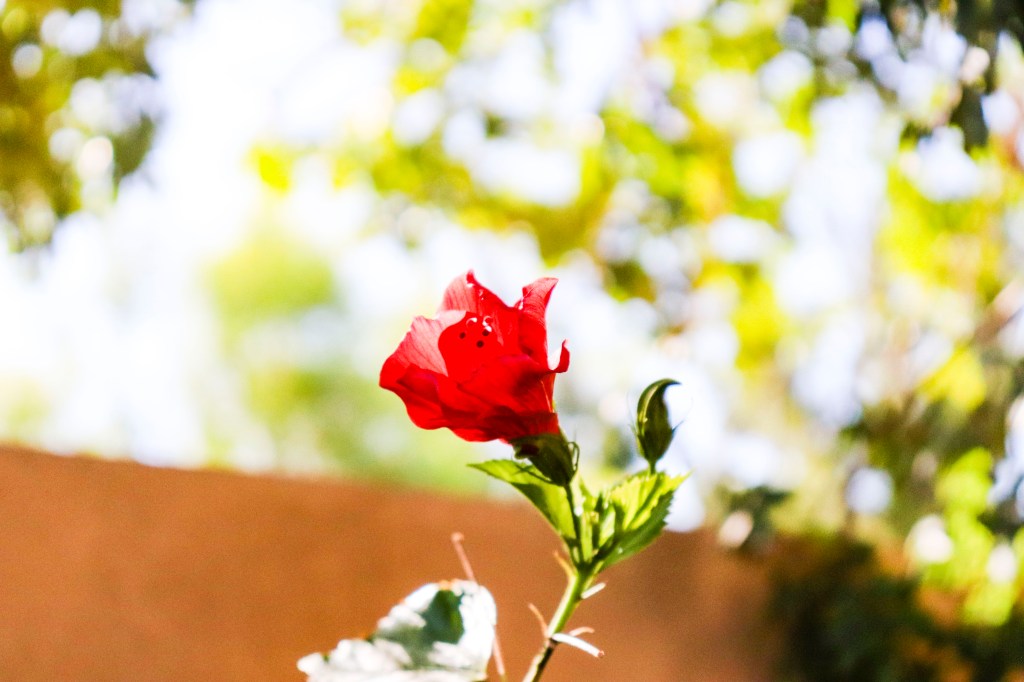
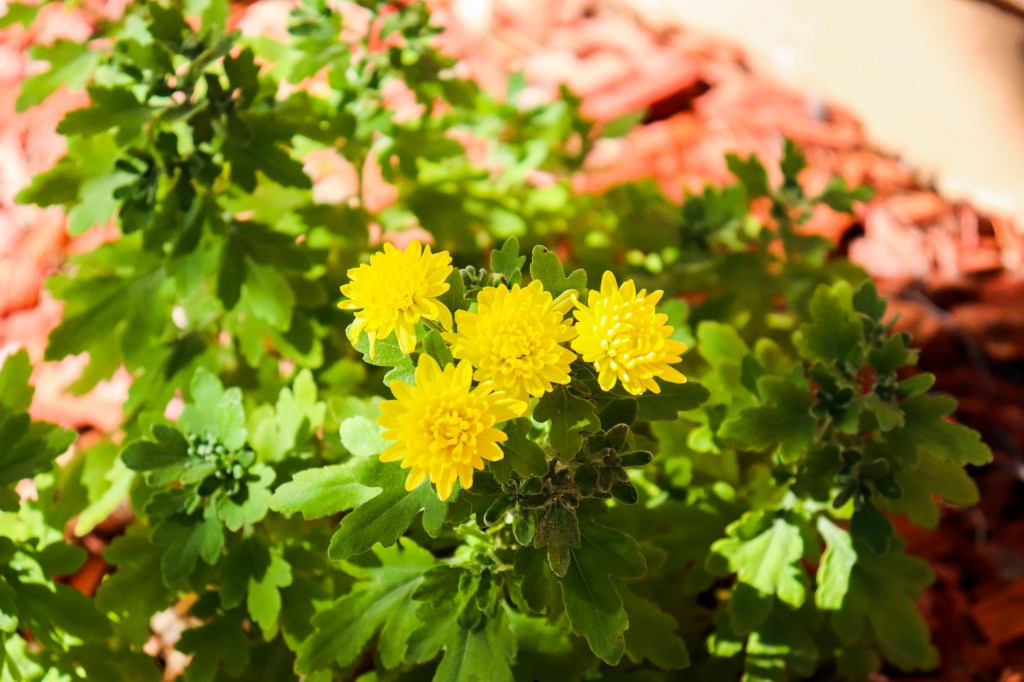
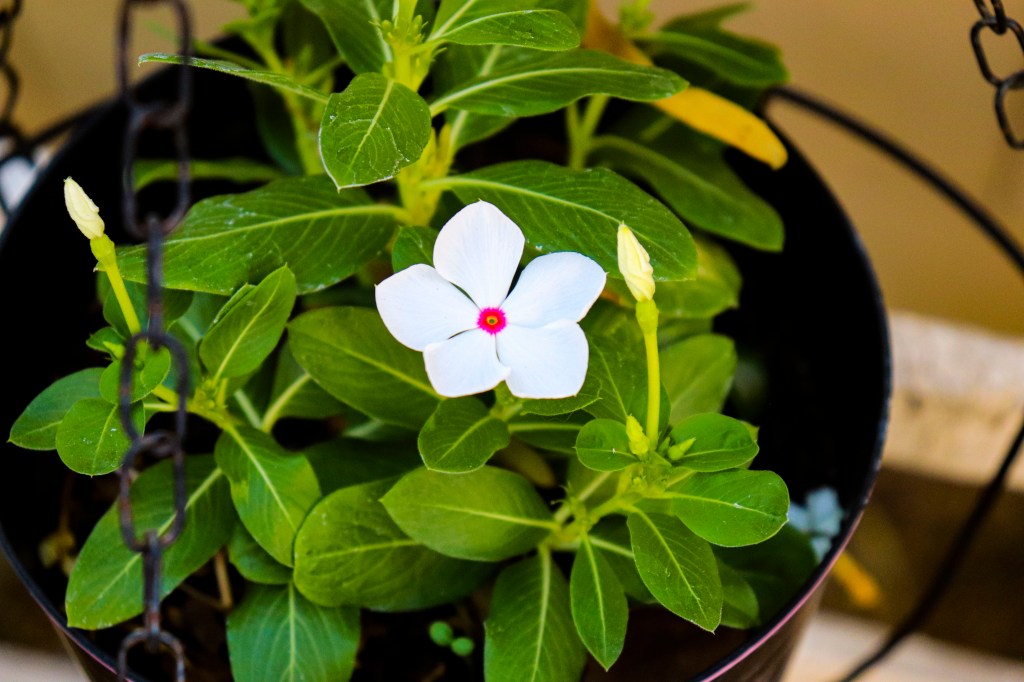
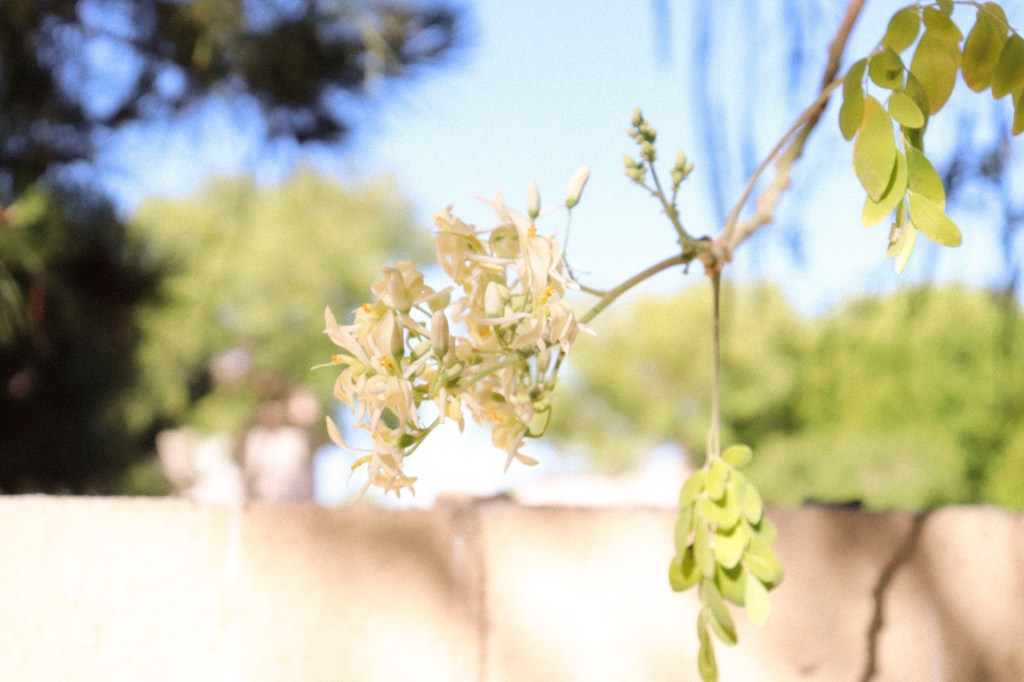
Hey there guys welcome to a photography post! I know it has been a while in the making! I am hoping i can upload all my previous portfolio’s work onto this one for the sake of organizing everything! So, something like this was pretty self explanatory, but basically what I did was took pictures of flowers. Then after that i edited the photos hi had taken in bridge by giving them a bit more vibrance and exposure if they needed it. If the picture needed a vignette I added that for the some value! Enjoy and see you all soon!
Cinematic Title in After Effects

Hey guys, whats up I am back with another project! I am doing a Cinematic Title in After Effects. I decided to do one on something we all need during these time ( Courage). With everything going on I decided to make a Title with this word. It was relatively simple. I used an amazing tutorial that went into this stuff pretty in depth! Also I linked the font i used as well if you are interested in using the same! Check my attempt out and hope you enjoy! Cya all next week!
Tutorial Video: https://www.youtube.com/watch?v=sXZiOk-1VRs&t=86s
Font: https://www.1001fonts.com/abberancy-font.html
My Attempt: https://drive.google.com/file/d/1AA-e1muE2nxe-EZ6I0ar0-5rVopPHUfM/view?usp=sharing
End Game Disintegration in After Effect

Hey there guys welcome to my another post on After Effect. Today I decided to whip up something that most people should be interested in. If you watched end game then you should e aware of this effect. This is a bit harder than the motion tracking I showed last week. I would recommend allowing yourself plenty of time to do this because it was time consuming for me. I have a YouTube video linked below if you are interested in making this effect for yourselves. The tutorial doesn’t require the use of any paid plugins, so that is always amazing. Also some tips for getting the best results includes: using a tripod, following the tutorial all they way through, and to be cautious when using the shatter effect. I also have the drive link to view how my own version turned out. That is all from me this week!
YouTube Tutorial: https://youtu.be/bAhqbFtYhpM
My Own Attempt: https://drive.google.com/file/d/1VVBMuxvlQ0YJ665W9QEurSPKlfI90O1k/view?usp=sharing
Motion Tracking in After Effects

Hey there guys welcome to my first post on After Effect. What you are going to need for this project is a PC, After Effects CC and footage. I decided to start with that was both relatively simple and useful to know. This effect s know as motion tracking. The way this work is by using contrast and tracking that one point you select. I provided my stock clips that I filmed and used for this example below if you are interested in recreating the same effect. The tutorial that I follow is also linked below for reference. I am going to mention that I used single point tracking, so if you are following the video only use that part for the track. Also, if you are wondering how i got rid of the green behind the flame, well it pretty simple. I used an effect that is known as key light to achieve this. Finally, I would recommend if you use the stock footage of my hand track one of the grooves on my palm (this makes the track easier to execute). Thanks so reading and hope you enjoy! This is PhotoWizard signing of this week and remember photography can be magical! 😎
P.S. I could not upload the clip into the website so, it can be viewed on the google drive link!
YouTube Tracking Tutorial (watch up to 2:22): https://www.youtube.com/watch?v=QVC3dKKZshE
My Attempt at this: https://drive.google.com/file/d/1ds8u_QfIc4bFjvkThLSRCUzKeZ5jamy6/view?usp=sharing
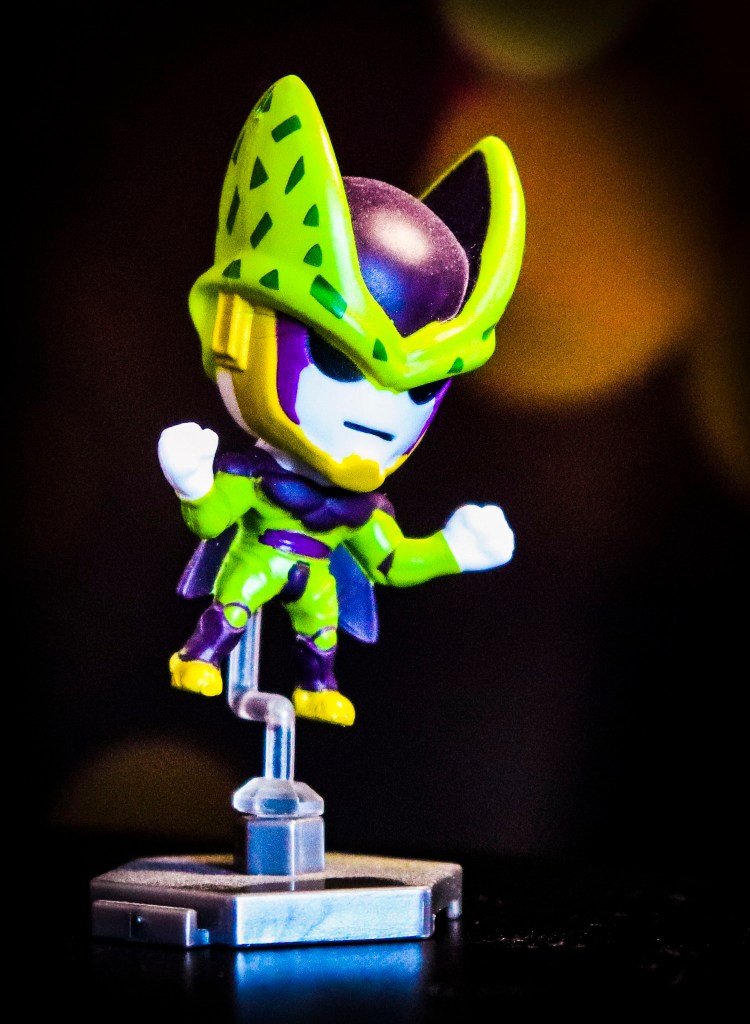
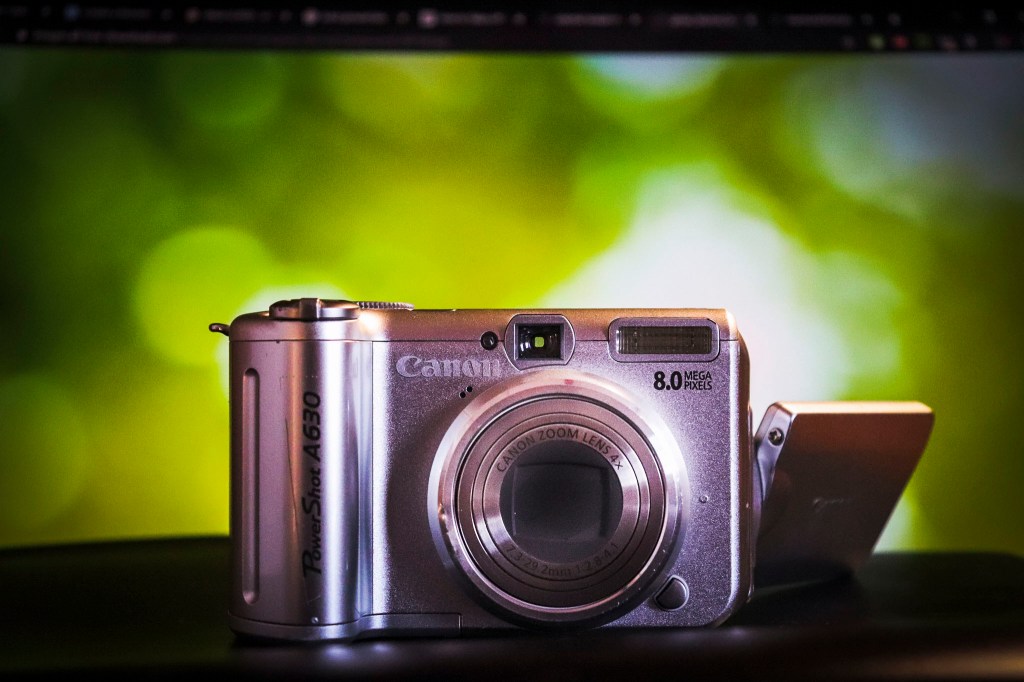
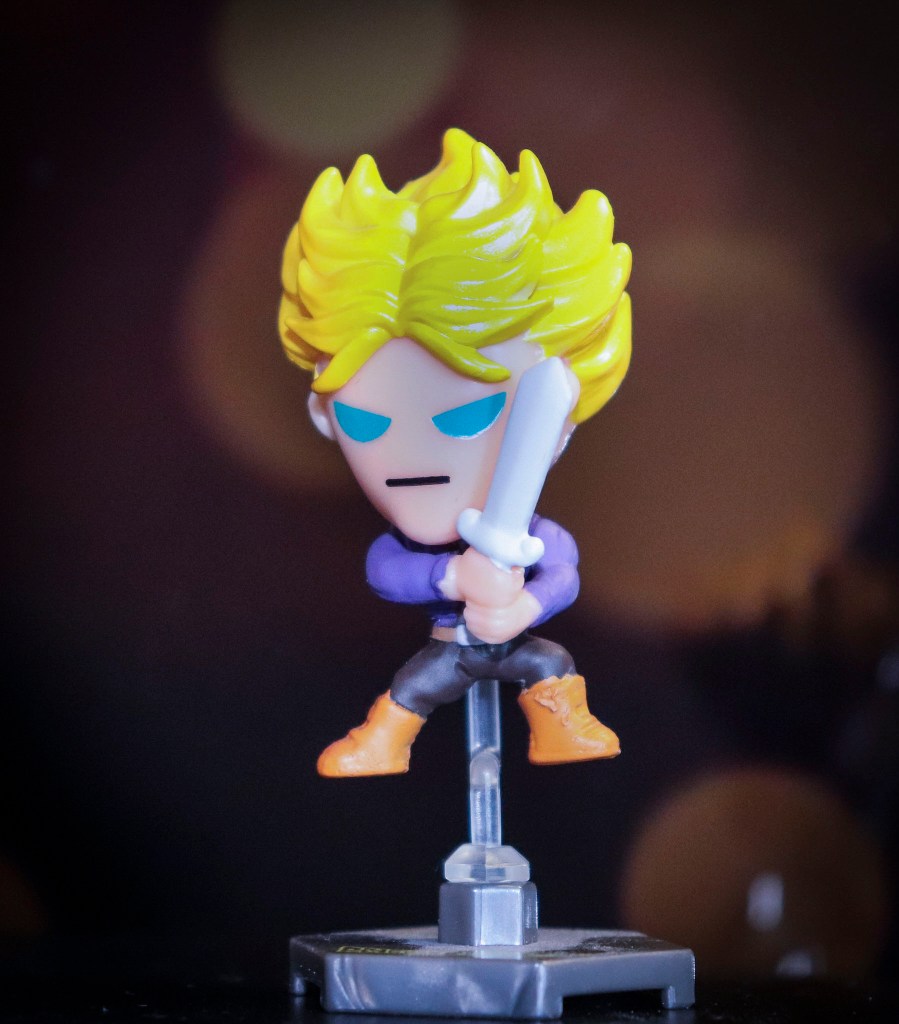
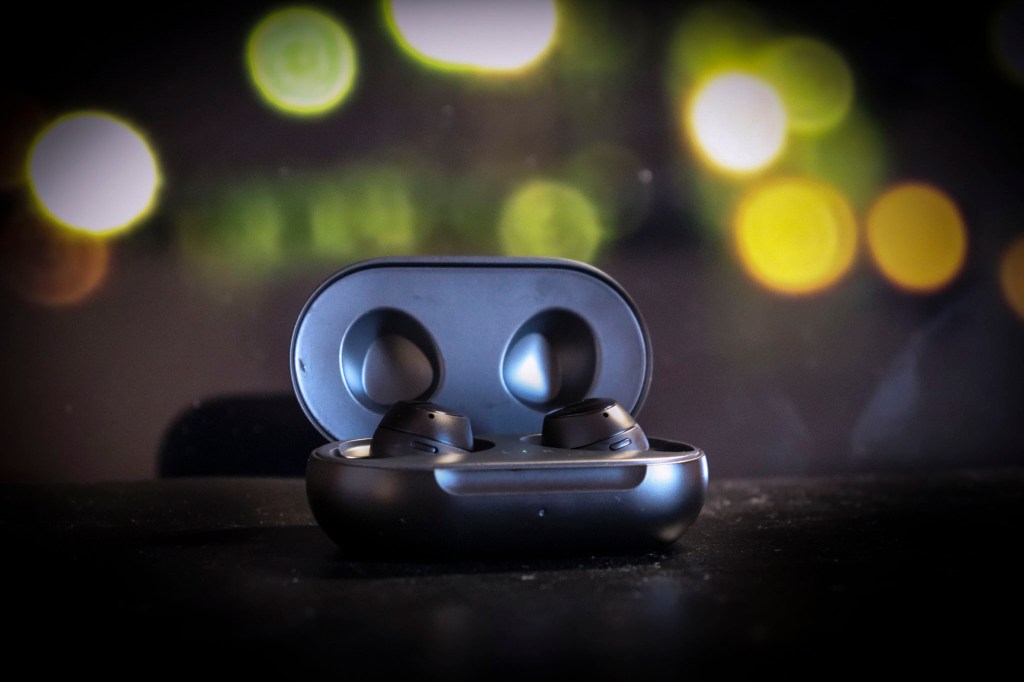
How to Fake Bokeh
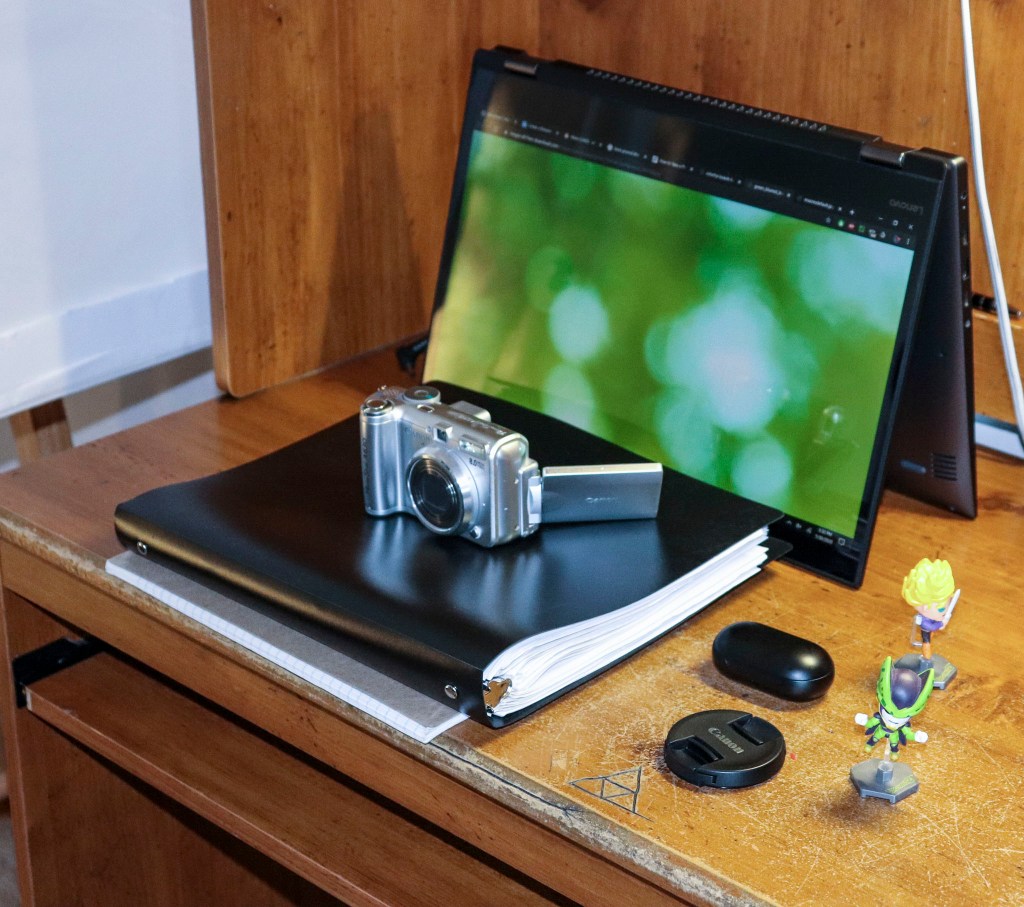
Hey there welcome back! In today’s post I have something amazing to show you! I learned this trick back when I was in Photography class. This is a neat little trick for when you want to make a professional looking picture, but you don’t have an interesting background or you are shooting on your phone. I love this little photo hack because it is relatively easy to replicate. All you need for this project is a computer monitor, something to elevate your subject , and finally an interesting subject. My pictures turned out amazing (with some editing to spruce it up of course). That is all I got this week. See you all next week hope you enjoyed!
My Set up look like this:
I am on Fiverr!!
Hey there once again everyone, sorry for the inconsistent blog schedule. I have been busy and haven’t been able to post. No worries, I have been working on some photography ideas and working on ways to expand! One such way is through Fiverr. If you don’t Fiverr is a large freelancer site and I have made a gig there. Please check it out! I do basic touch up on portraits. That’s all I have for this week cya next week!
https://www.fiverr.com/s2/a398612e23?utm_source=com.google.android.apps.docs_Mobile

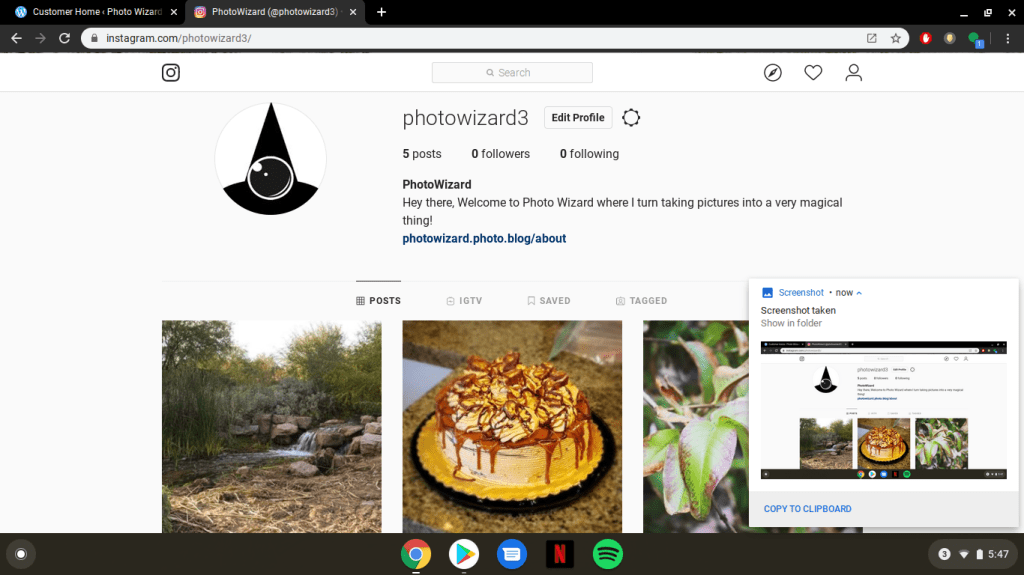
The Instagram is back online!
You all may remember how the PhotoWizard Instagram went offline at the end of this week. Well, it looks like my appeals to Instagram finally got the account back. So, feel free to visit the Instagram and hit me up anytime. I will be posting some photo wzard extras and maybe I might get some idea from you guys! Thanks for staying with me and more photos are on it way soon! Thanks again and see you all later!
-@photowizard3( my instagram)
Winter Colors
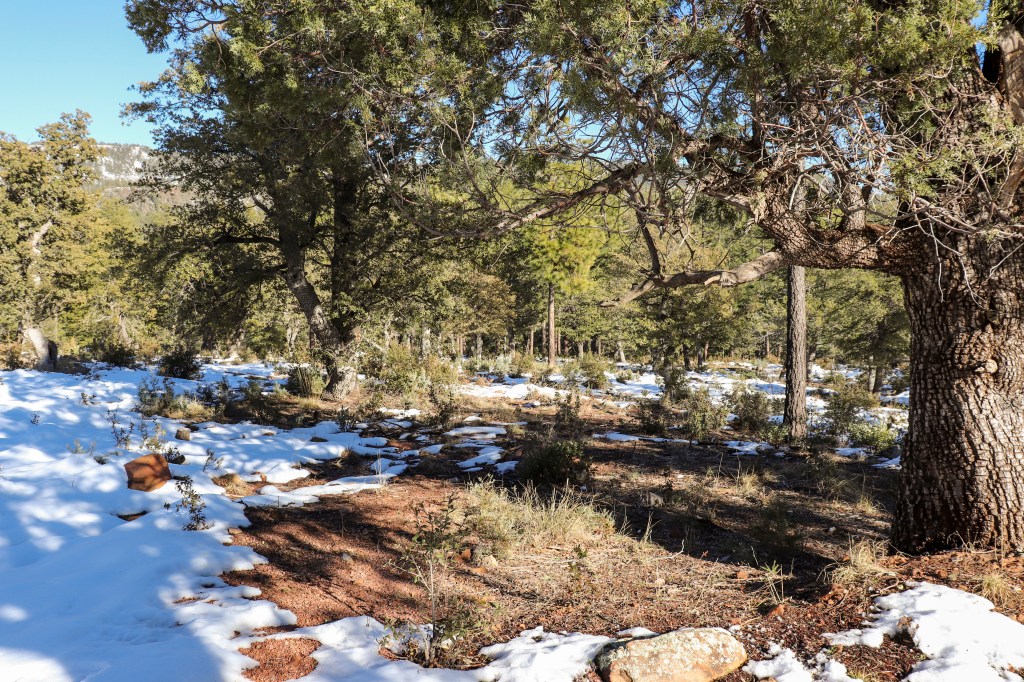
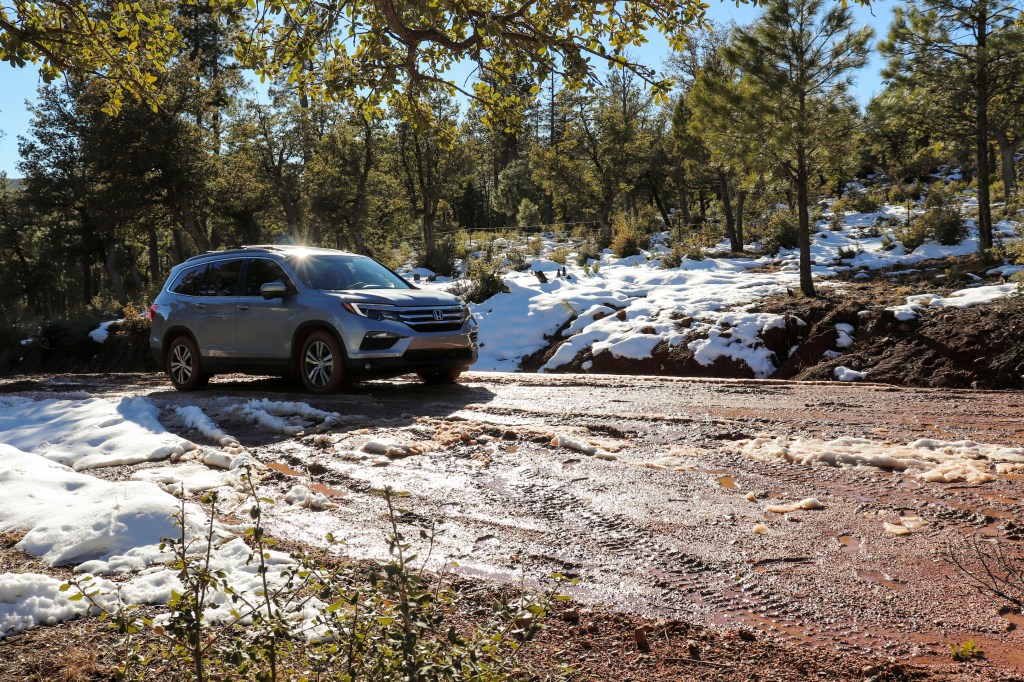
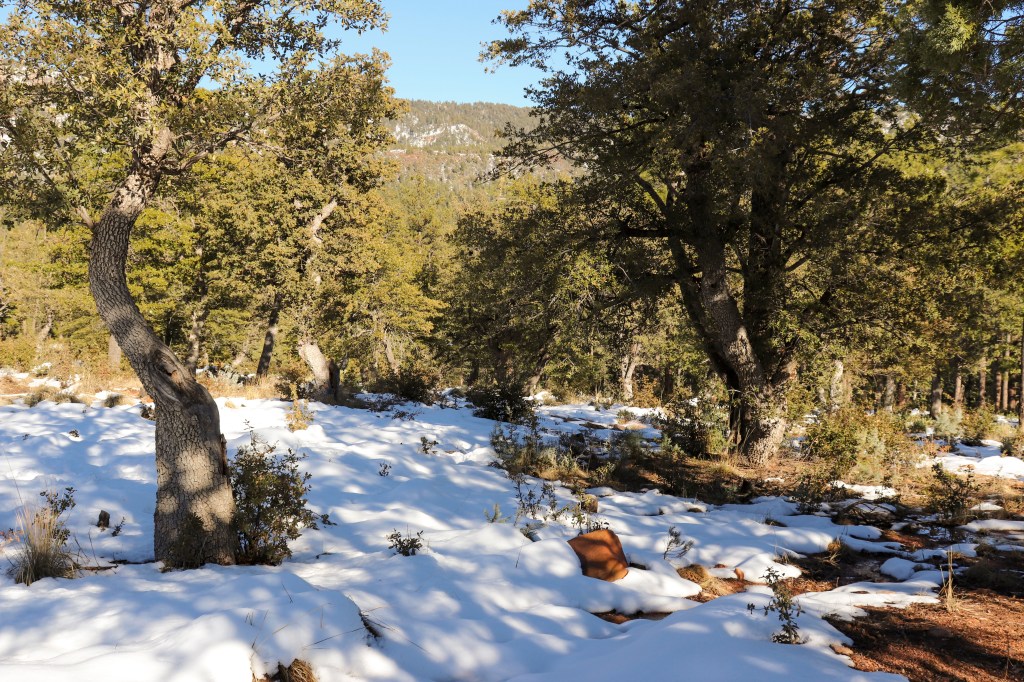
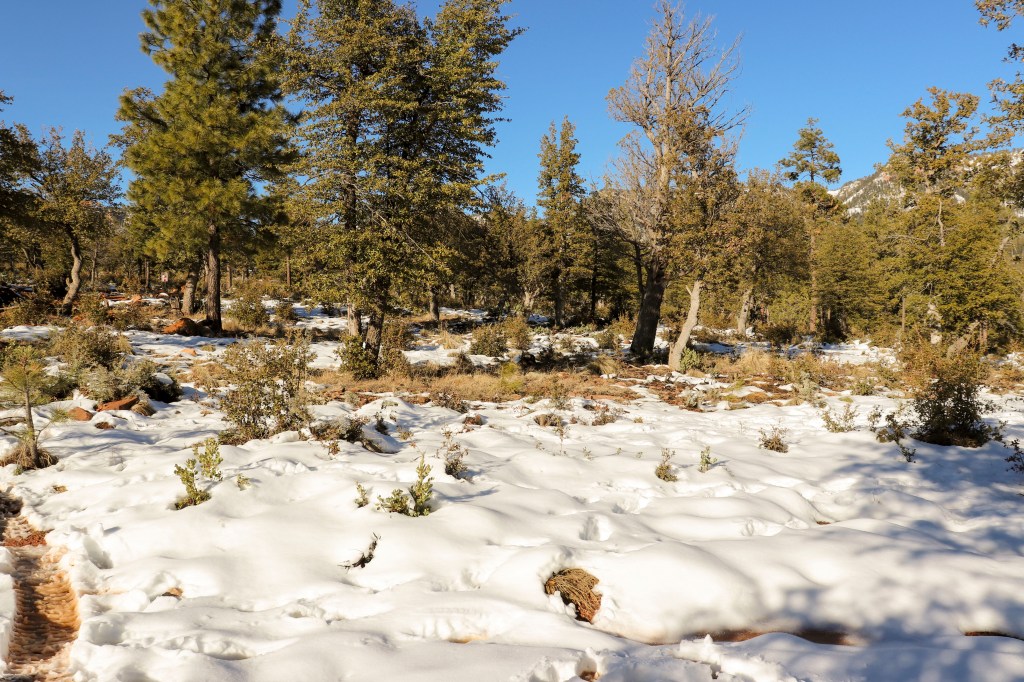
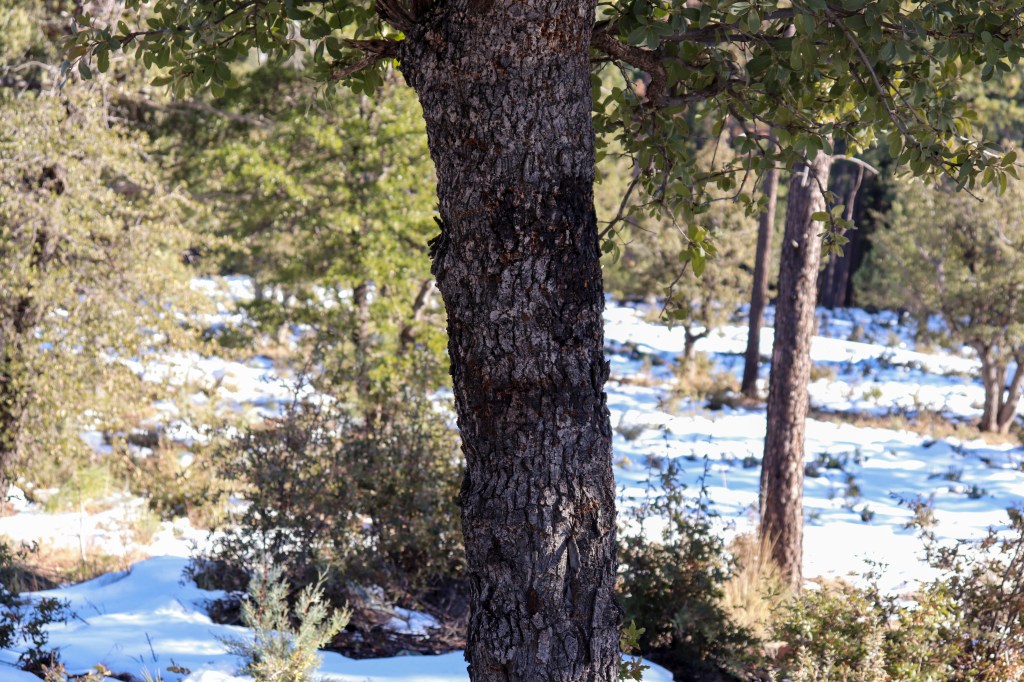
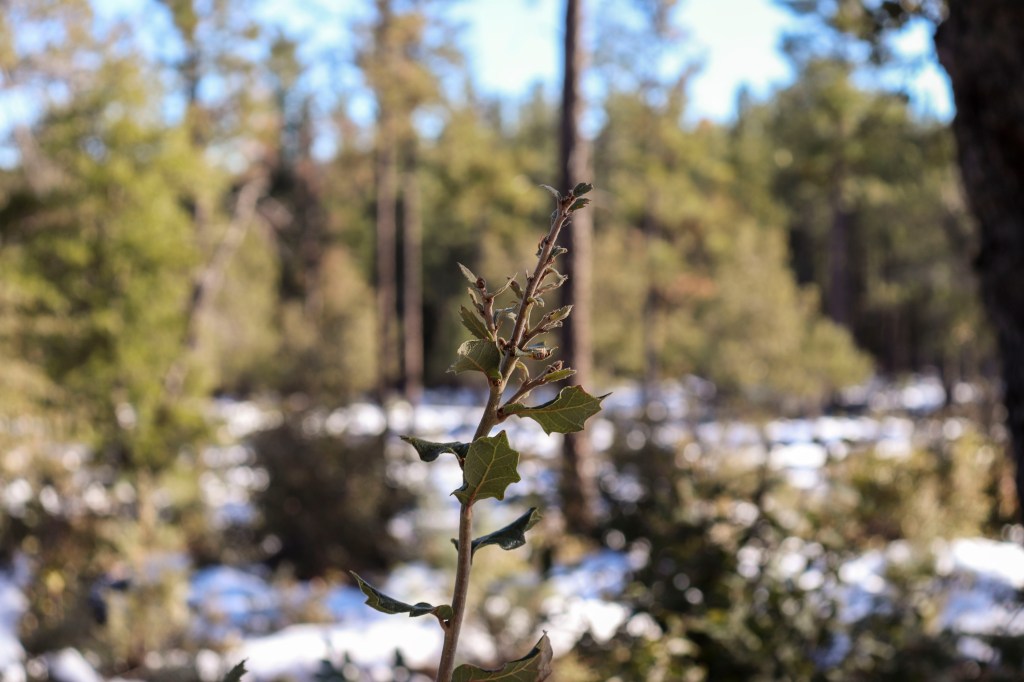
Hey there guys welcome back to another post! So, for this post I decided to go up to the Northern region and take some pictures of the snow. This shoot was an interesting one because I found myself actually using full Auto mode. The full Auto mode on a DSLR means that your camera makes all the decisions like adjusting exposure, iso, shutter speed, and ect. The mode is actually very useful for those time you need to shoot something quick and you don’t have time to change the setting. This was the same exact position I found myself in. Here are the picture guys hope you enjoy and see you all next time!
The Instagram
So, earlier this week the photo wizard Instagram got taken down. I appealed the account, but I still have no idea what went wrong. Apparently, I broke a rule or something, but all I ever posted on that account was pictures I took from this site directly. I will not have an Instagram for the time being and sorry again guys! Anyone that is all from me make sure to keep up with the blog and i will catch you all next week!

Nature Photo Shot
Happy New Year! My new years resolution this year was to give you guys more quality blogs! So, for this photo shot I decided to go out to a local park and take some pictures of nature itself. I found myself using Aperture priority mode. I would use a small f number for a close up or for capturing a single subject. I found myself using a higher f number for landscape shots or any shoot where I needed a wide field of view. These pictures represents a real world use case for Aperture. Hope you enjoy and see you next time. Please share, like and comment!
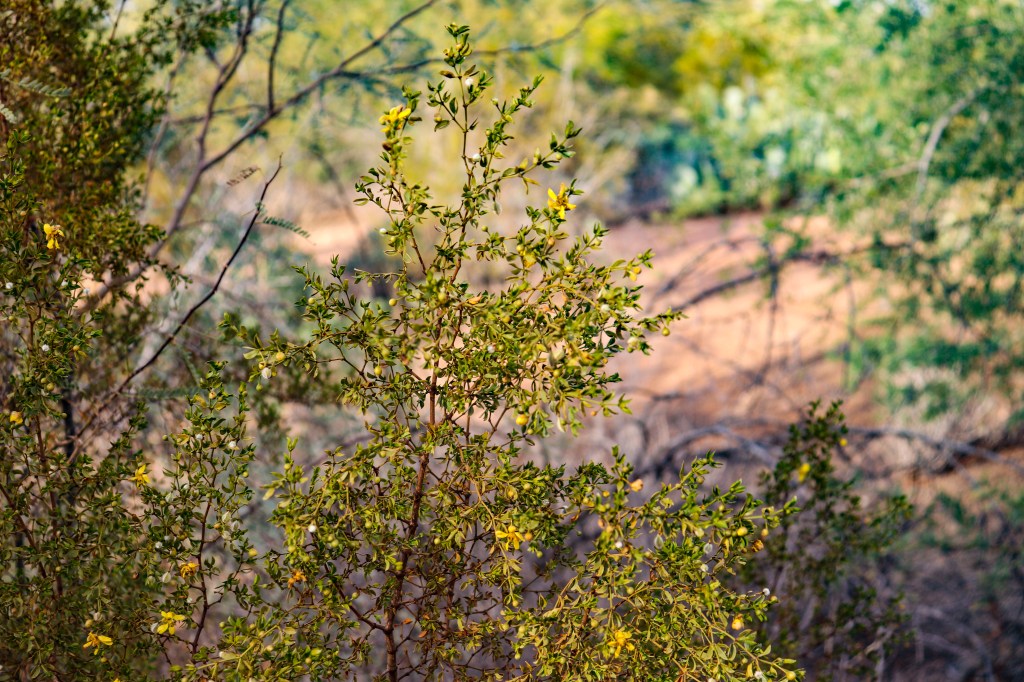
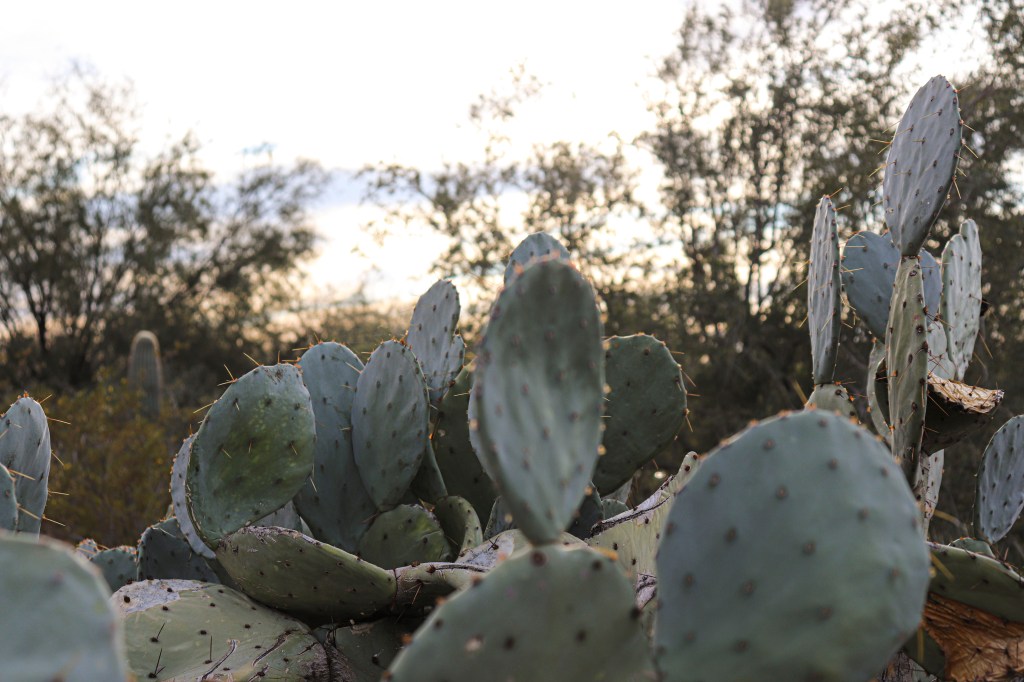
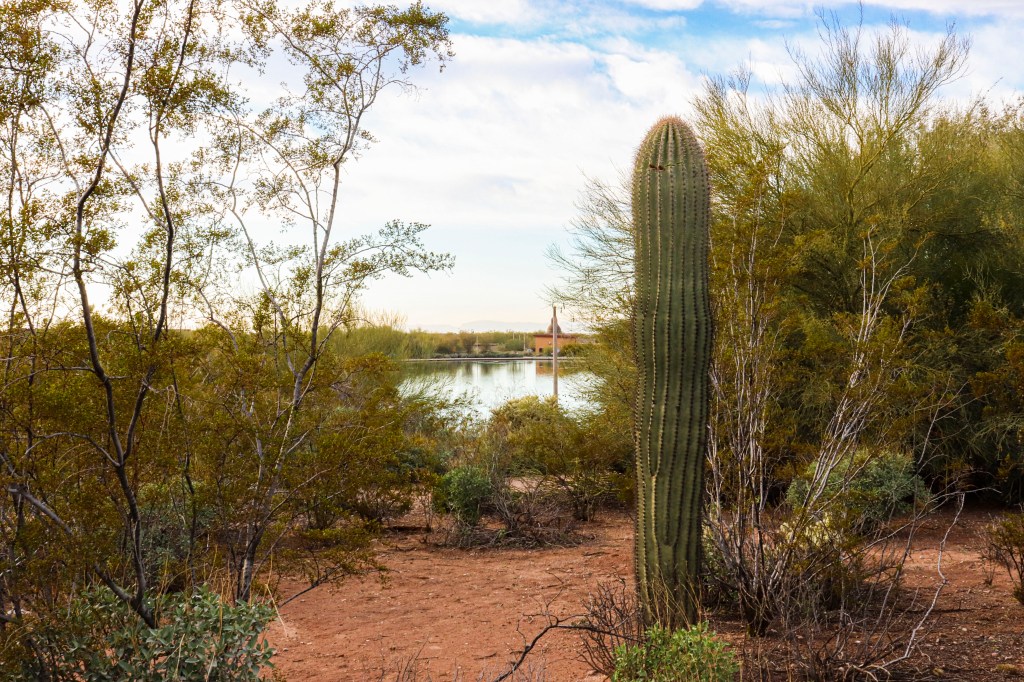
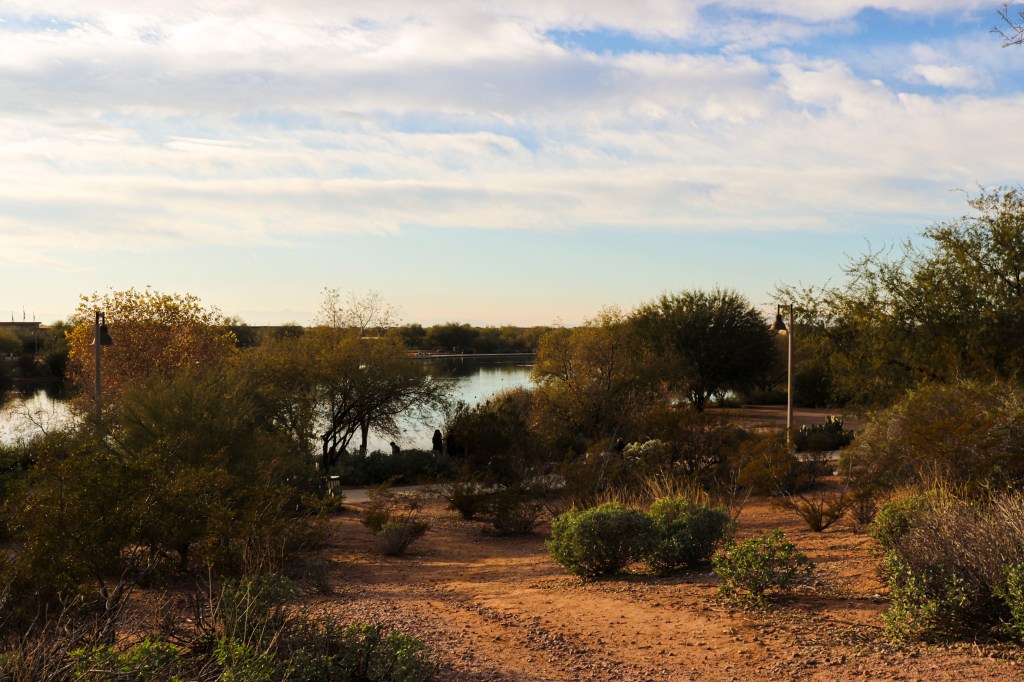
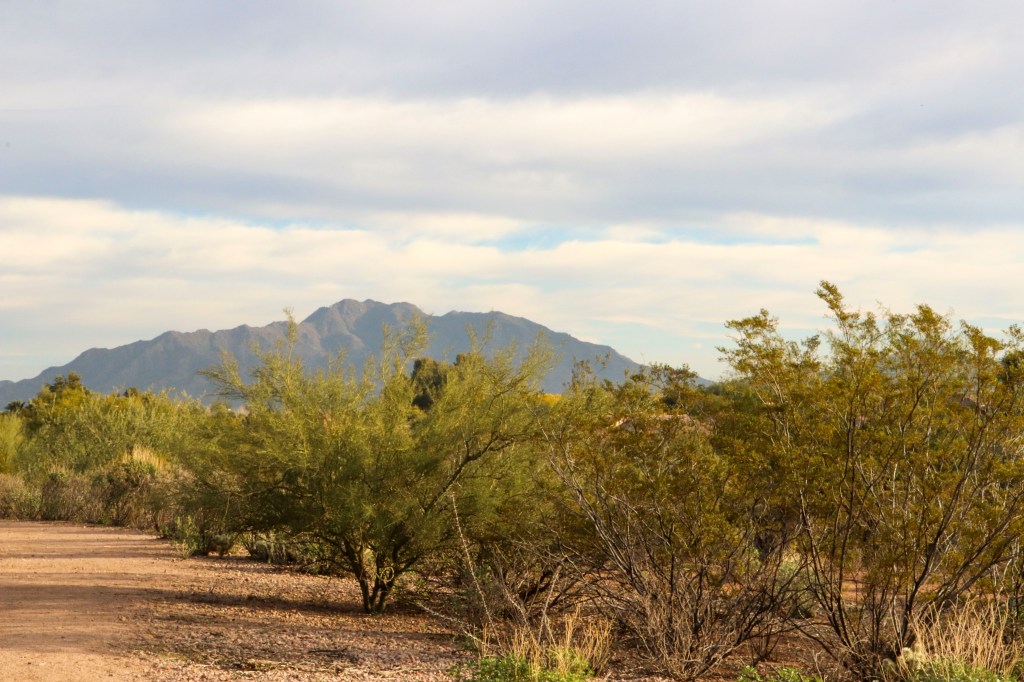
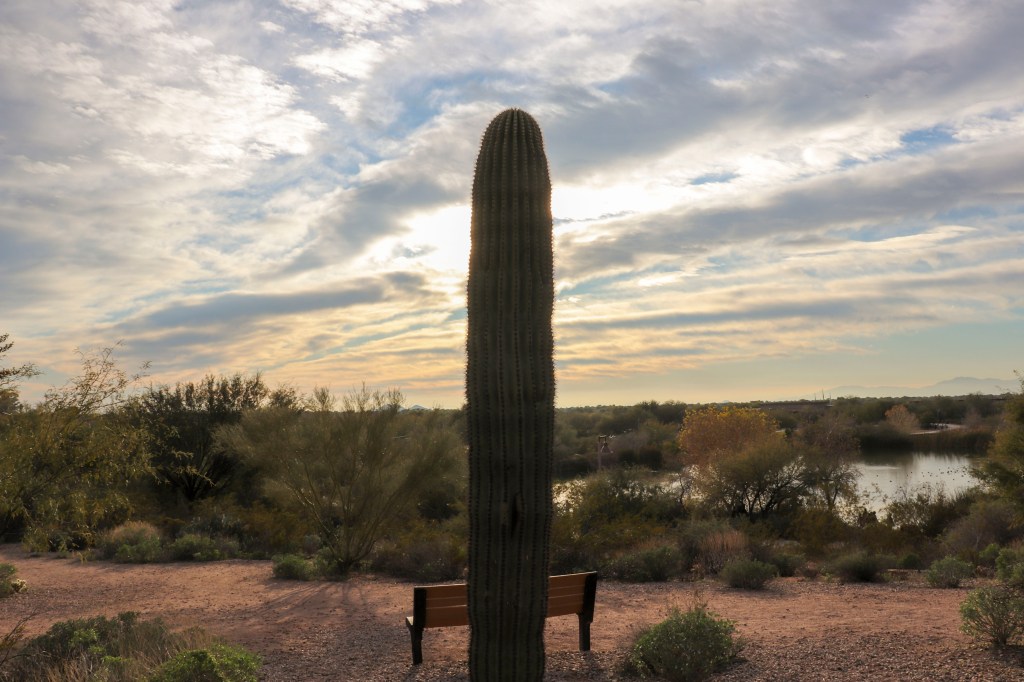
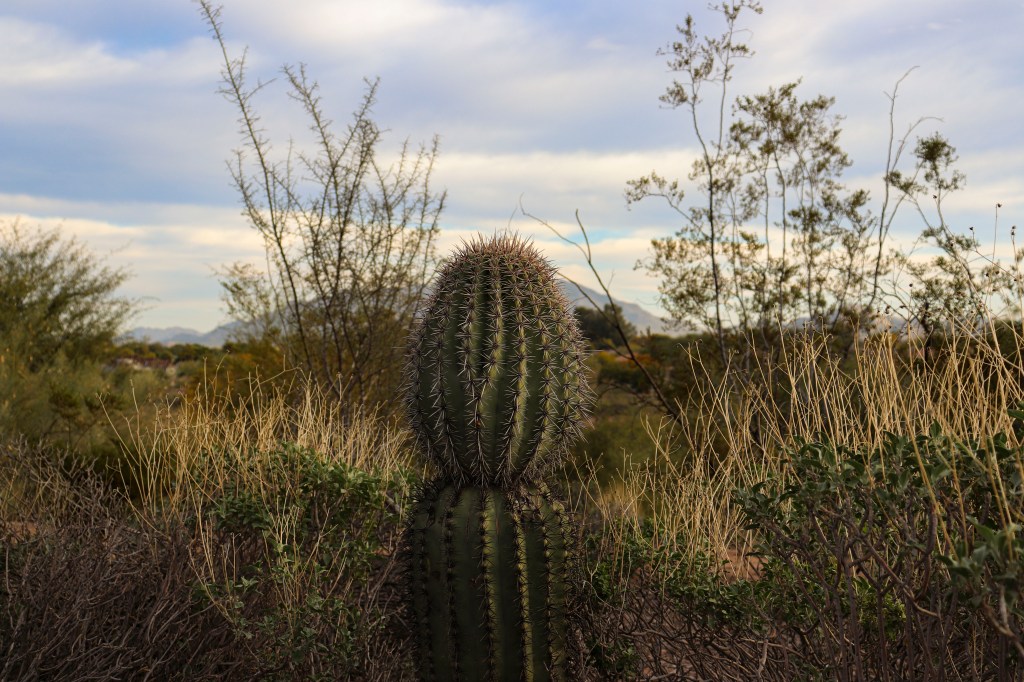
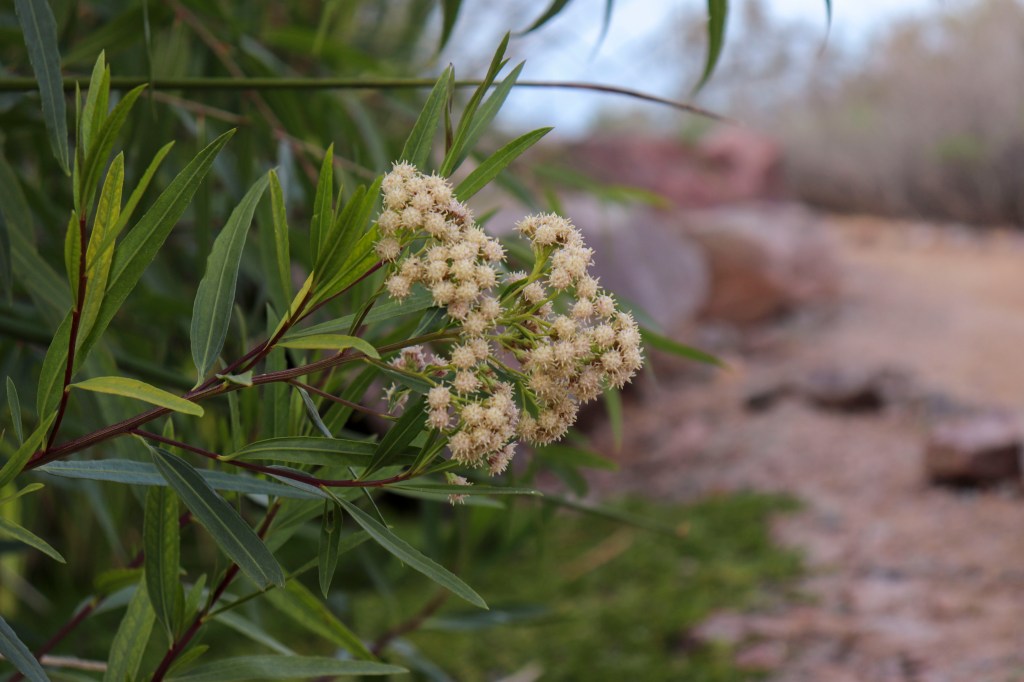
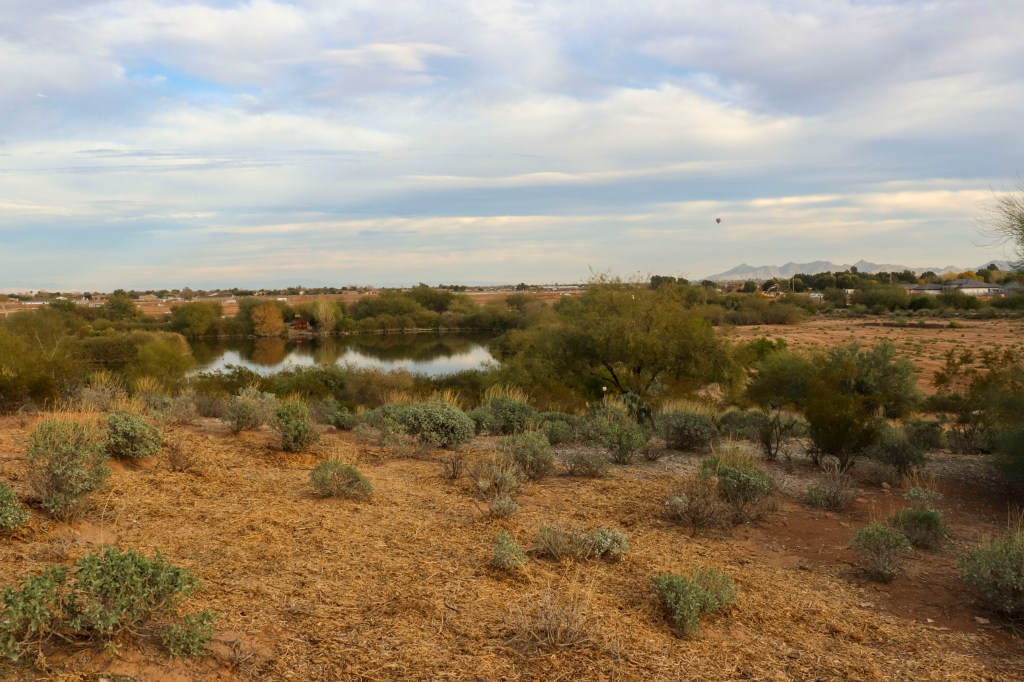
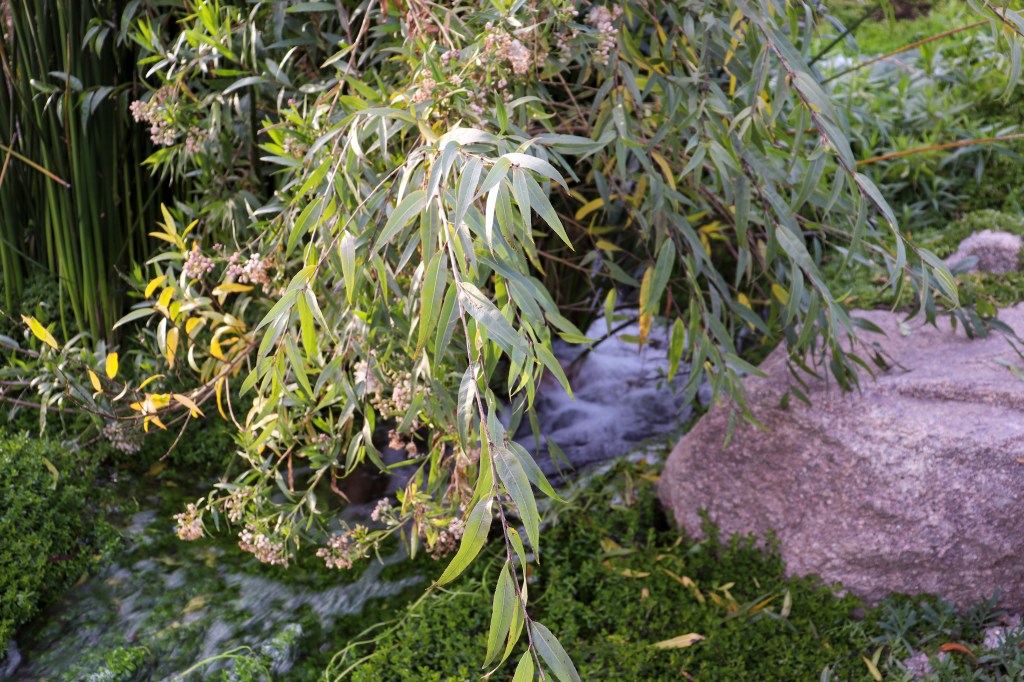
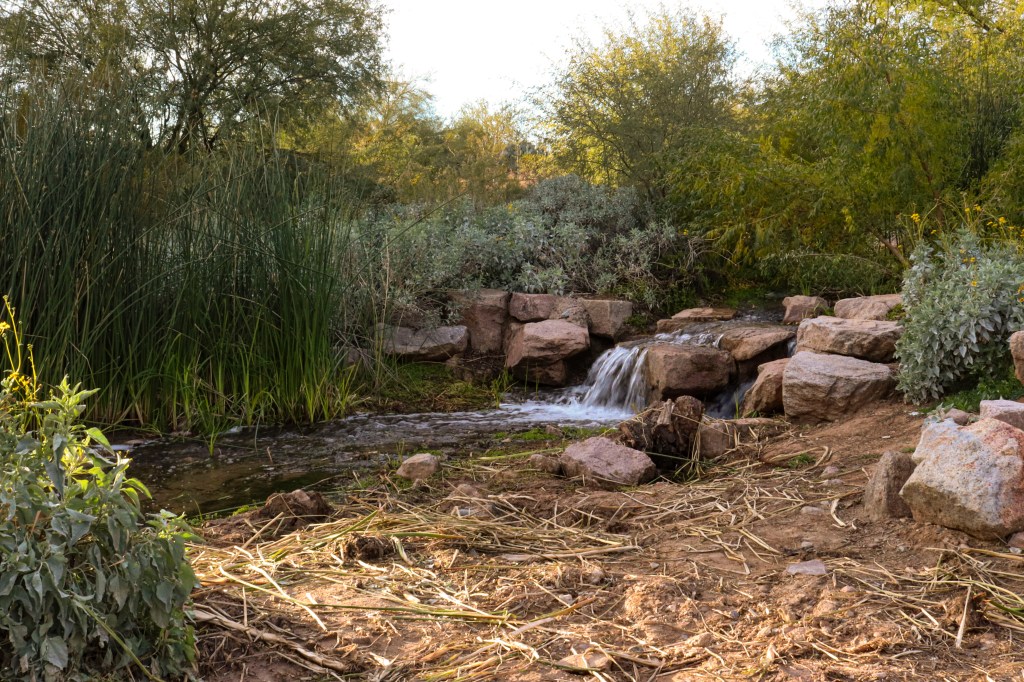
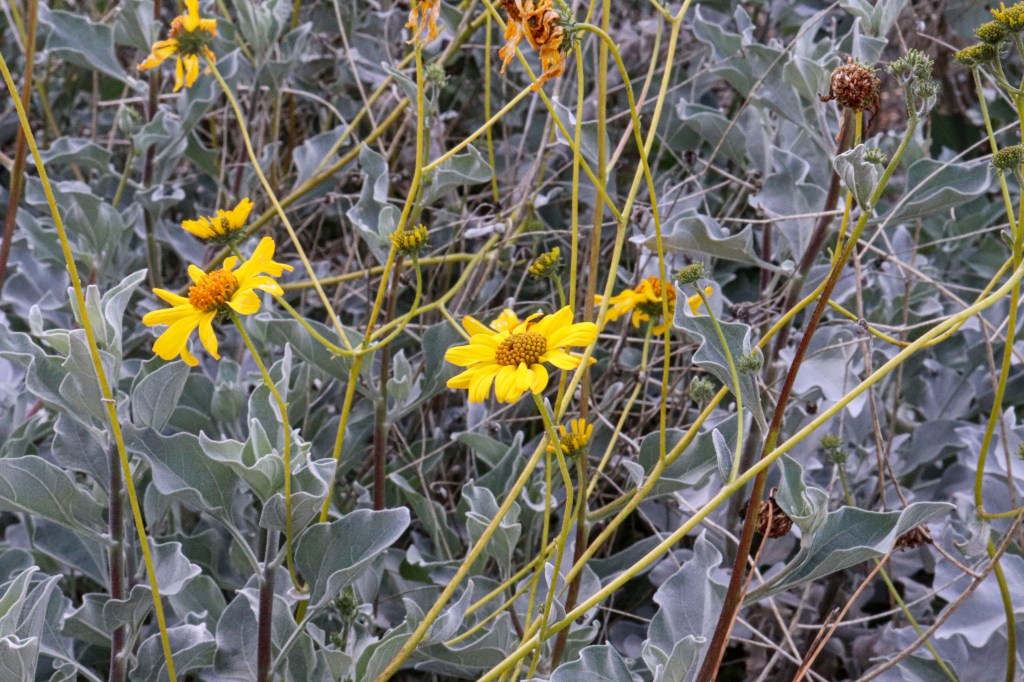
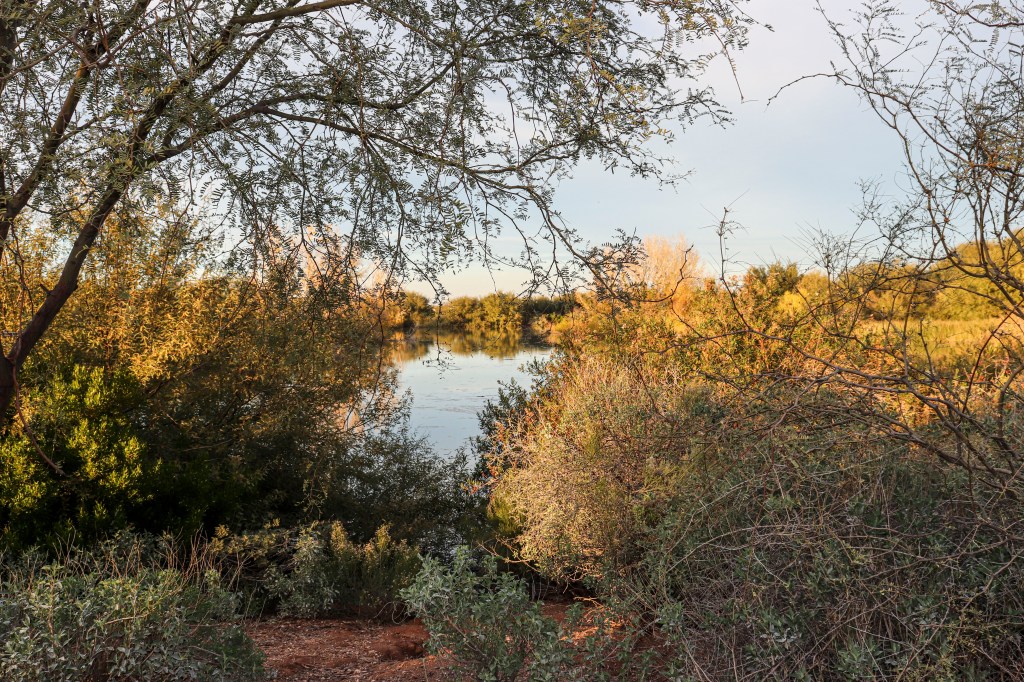
 Photo Wizard